 Shiftie
Scheduling clarity from day one.
Role-aware dashboards plus the Modern Planner show shifts, leave, and coverage trends so you can publish in minutes.
Operational clarity for every role
Built from the in-app playbooks: dashboards for leaders, the Modern Planner for schedulers, and tidy limits for teams.
Dashboard at a glance
See shifts, pending time off, allowance breakdown, and attendance trends the moment you sign in.
- Stat cards for shifts, pending requests, and allowance totals
- Role-aware layouts: full charts for leaders, simplified upcoming shifts for employees
- Attendance trends plus a forecast to spot capacity gaps early
Modern Planner built for speed
Switch week, month, or continuous views, filter by location, and schedule straight from templates.
- One-click view switcher (week / month / continuous)
- Location filter keeps each site focused
- Overlays for templates, leave, and public holidays to avoid conflicts
Templates, leave types, and allowances
Standardize shifts and keep leave rules tidy so approvals and planning stay in sync.
- Reusable shift templates with name, color, position, and duration
- Leave types and annual allowances tracked per person
- Requests flow into the dashboard and planner automatically
Product highlights
Screens that keep shifts, leave, and coverage aligned.
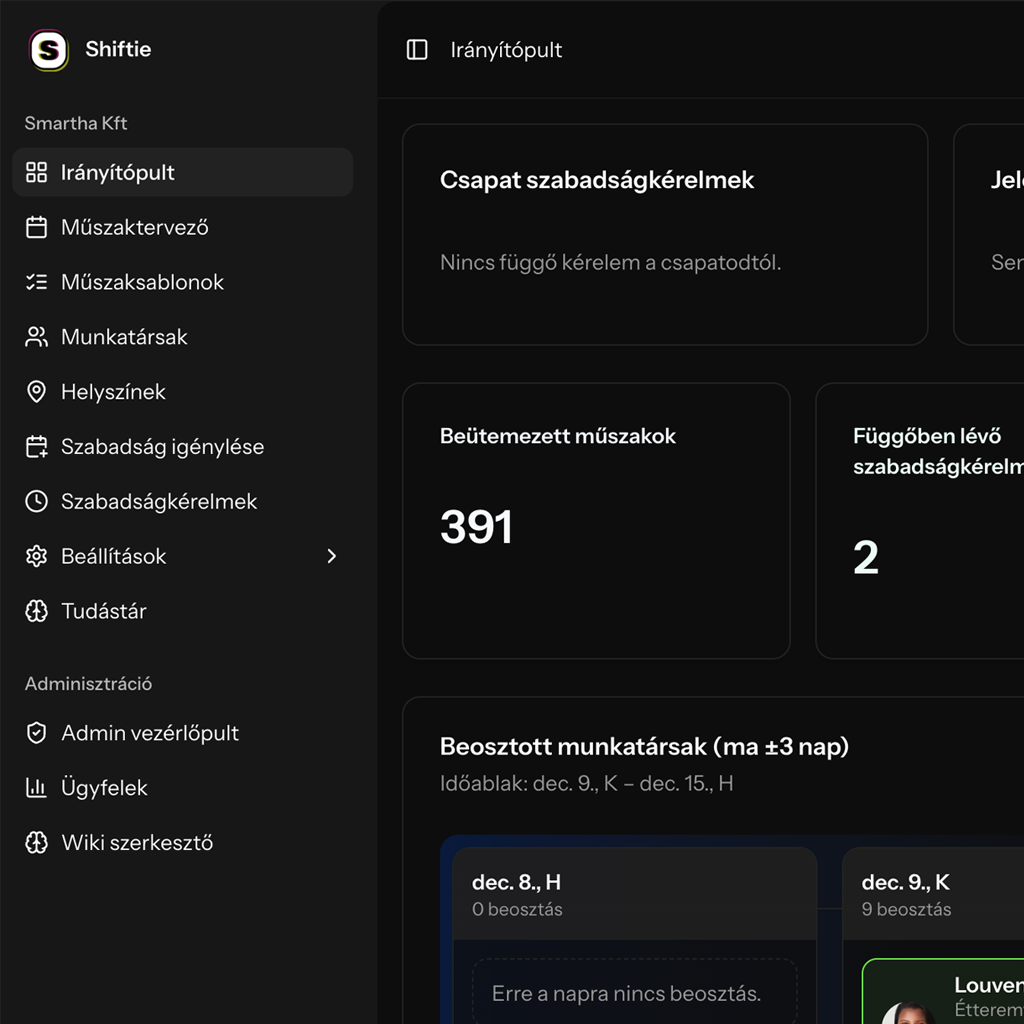
Dashboard
Instant overview for every role
Open the app and see scheduled shifts, pending time off, allowance breakdown, and attendance trends.
- Stat cards for shifts, pending requests, and allowance totals
- Role-based layout: leaders get charts, employees see their upcoming shifts
- Forecast and trends help you spot gaps early
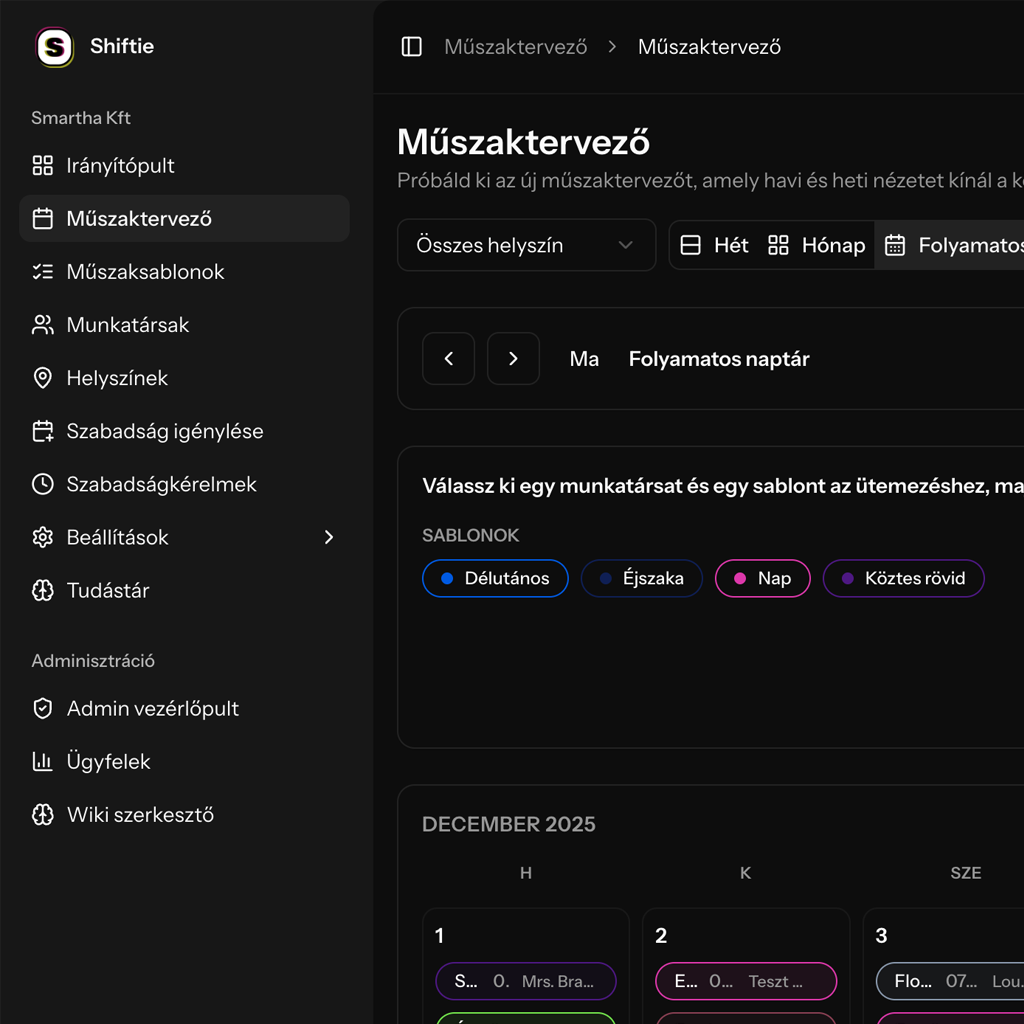
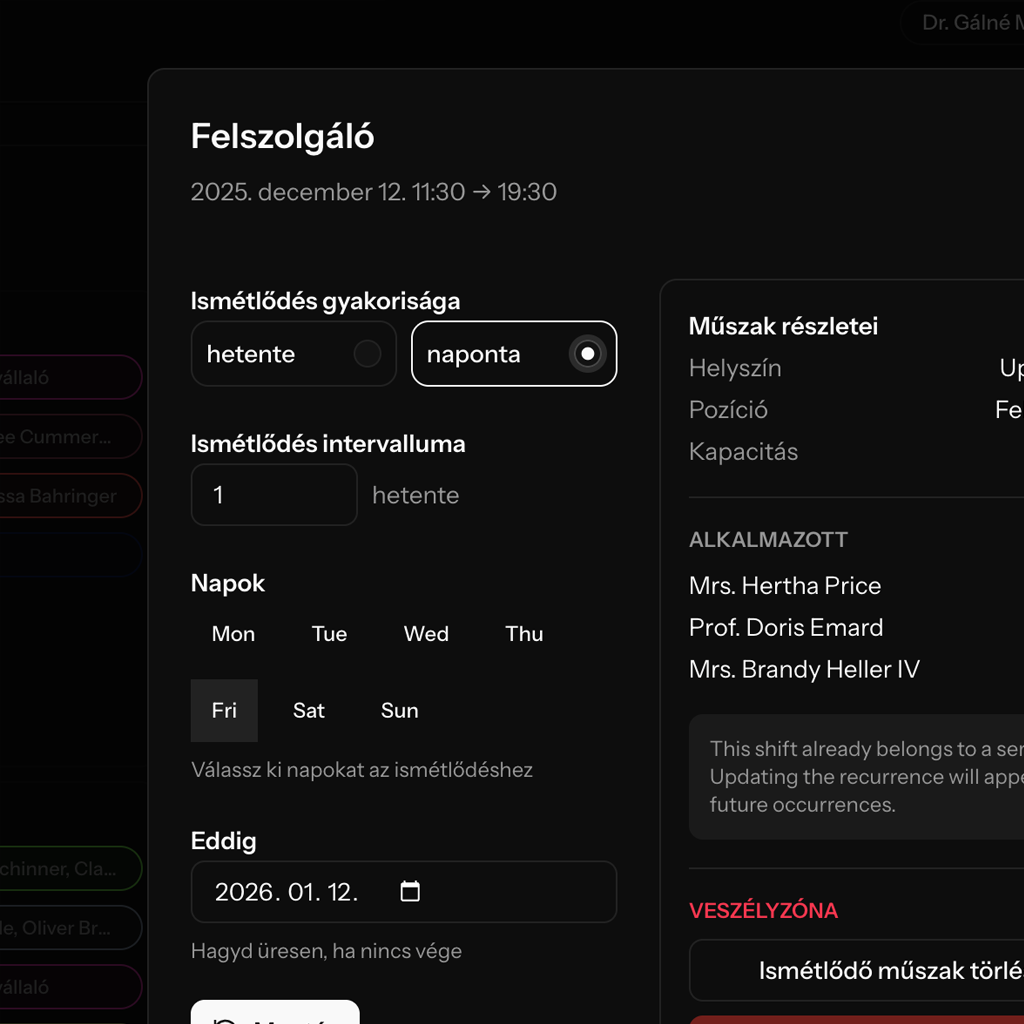
Modern Planner
Plan faster in week, month, or continuous views
Schedule from templates, filter by location, and see time off and holidays right on the calendar.
- Switch views with one click, then jump back to today
- Location filter keeps each site focused
- Overlays for templates, leave, and holidays to avoid conflicts
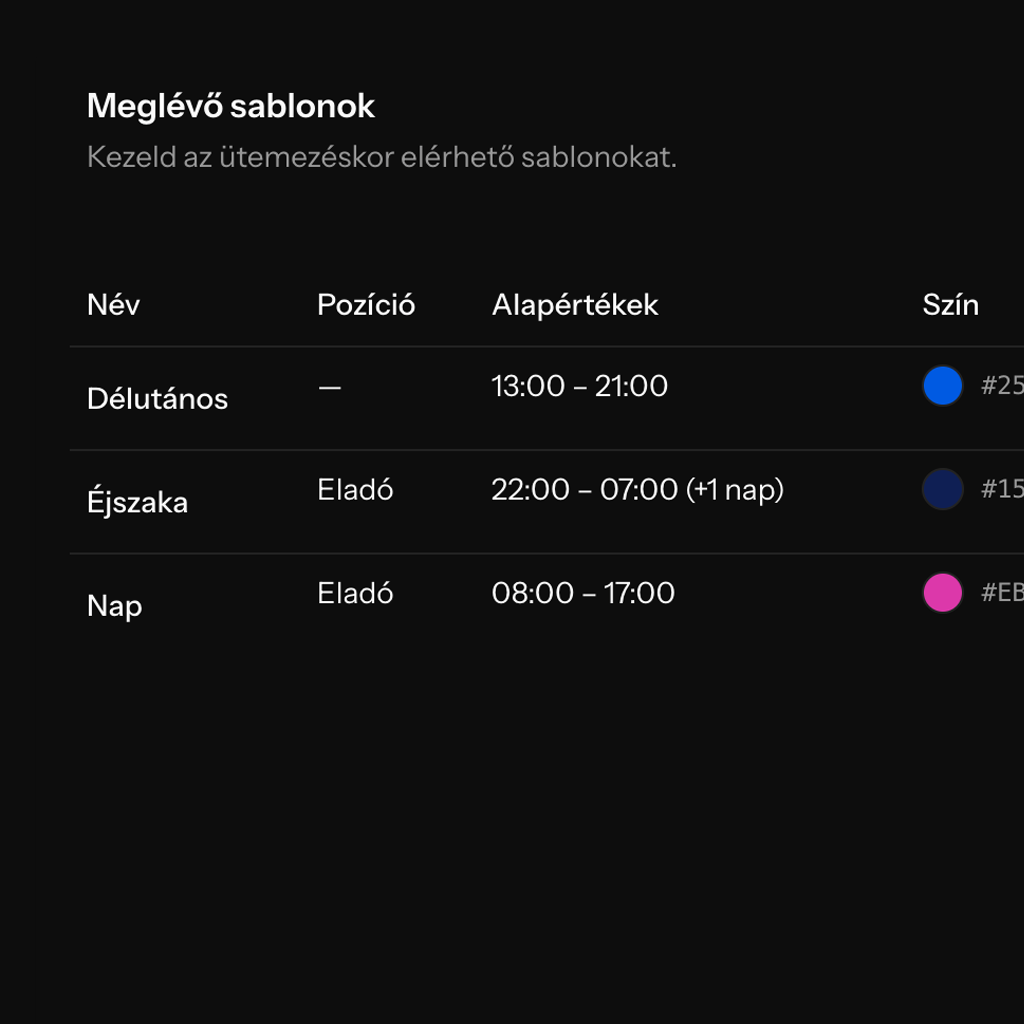
Shift templates
Standardize common shifts
Create reusable templates with default times, position, duration, and color so scheduling stays consistent.
- Name + color coding keeps the calendar readable
- Set default start/end times (including overnight +1 day)
- Edit templates anytime—changes apply to new shifts
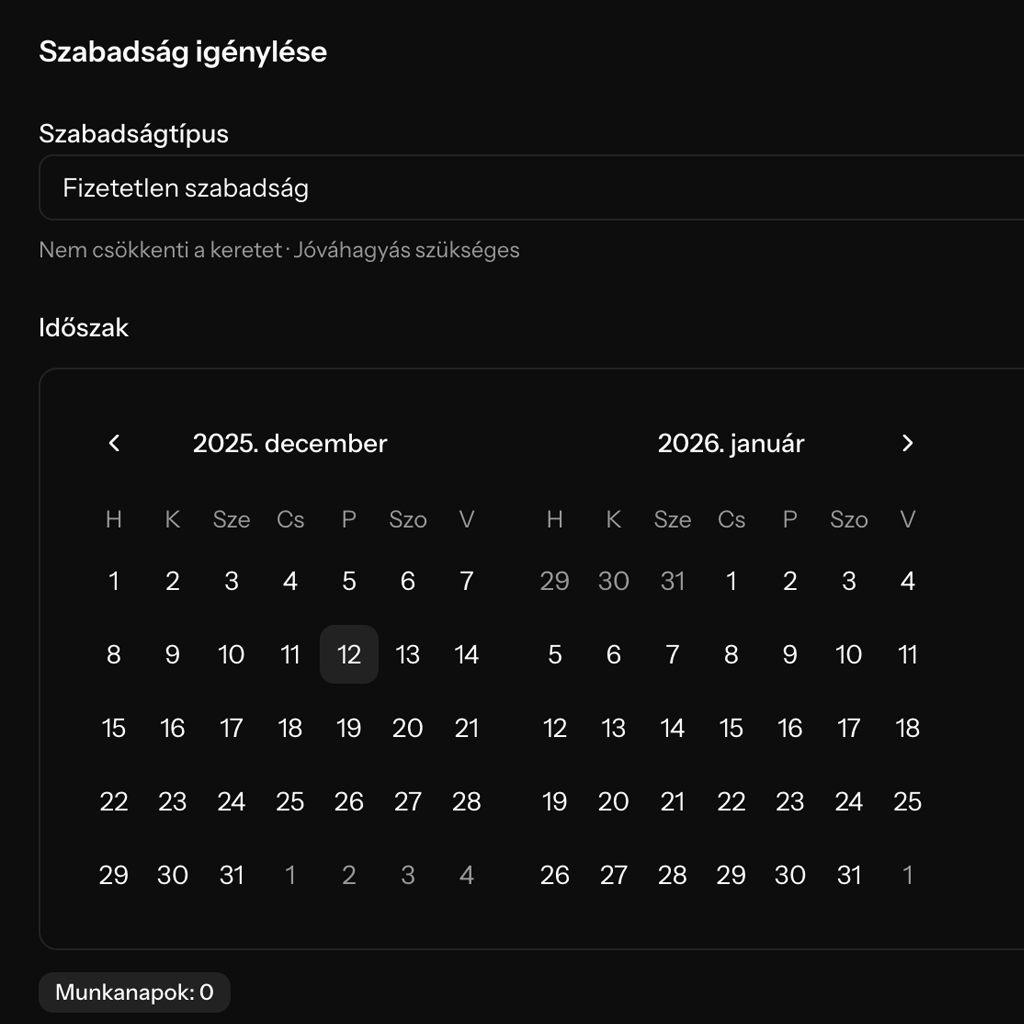
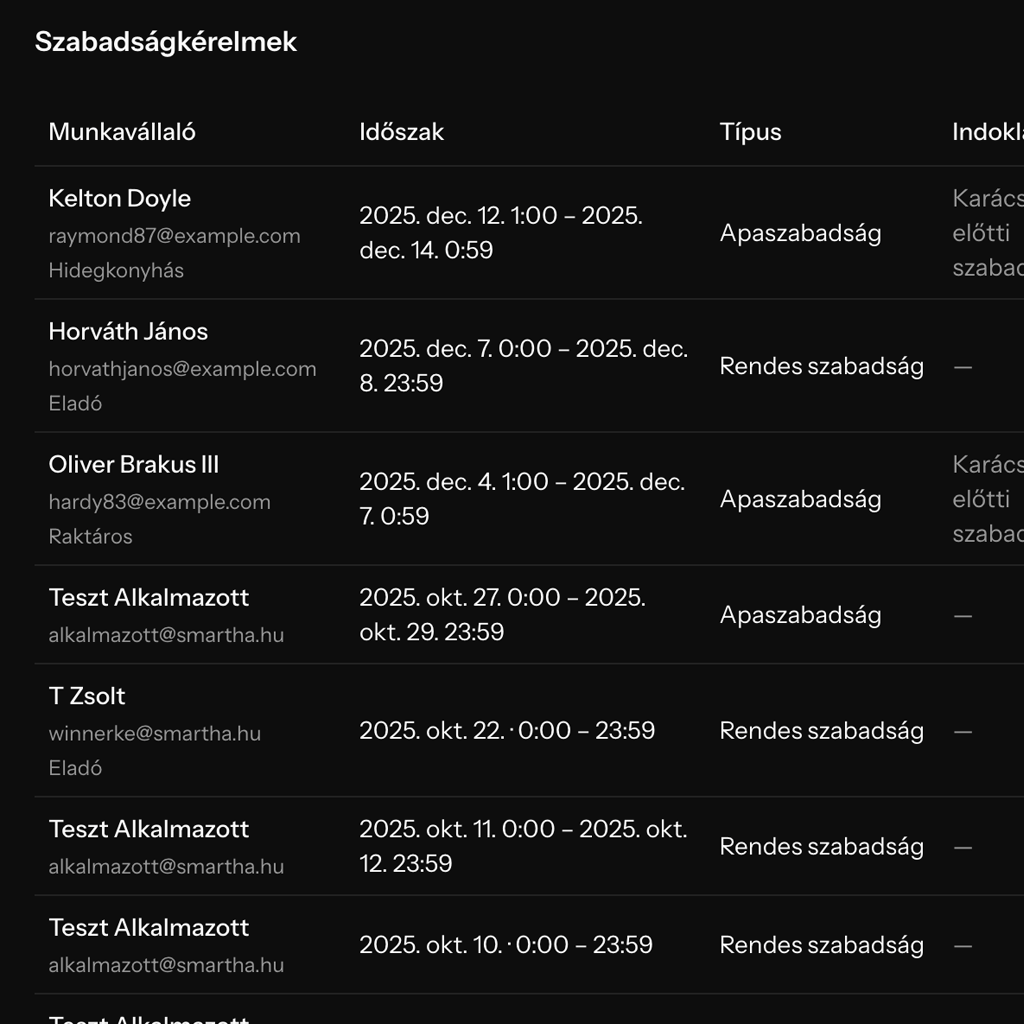
Time off
Requests with context and clear approvals
Employees submit a date range; workdays are calculated automatically, and allowances stay visible.
- Calendar range picker with automatic workday count
- Allowance summary by type shows remaining days instantly
- Managers can approve, decline, or submit on behalf of a teammate
How teams roll out Shiftie
Follow the wiki playbook to go live without busywork.
Set up company basics
Add locations, positions, and invites so every teammate joins with the right role.
Create shift templates
Name common shifts, set default times, positions, and colors—ready for scheduling.
Plan in the Modern Planner
Switch week/month/continuous views, filter by location, and drop templates onto the calendar.
Track coverage on the dashboard
Monitor pending time off, allowances, and attendance trends to keep the plan accurate.
Plans for every team
Pick the plan that fits your team. Every plan starts with a 30-day free trial.
Essential scheduling for lean teams.
- Up to 3 employees
- 5 shift templates
- 1 leave template
- 1 location
- Scheduling for current and next month
- Unlimited public holidays and extra workdays
More capacity, more templates, more locations.
- Up to 25 employees
- 10 shift templates
- 3 leave templates
- 3 locations
- Scheduling for current and next month
- Unlimited public holidays and extra workdays
High-capacity scheduling with maximum flexibility.
- Up to 250 employees
- Unlimited shift templates
- Unlimited leave templates
- 5 locations
- Scheduling for current and next month
- Unlimited public holidays and extra workdays
Try Shiftie free for 30 days
Experience the complete scheduling stack with no commitment. Cancel anytime during the trial.